Microsoft 365 Copilot for Executives: 8 Practical Ways Leaders Can Reclaim Time and Improve Decision-Making

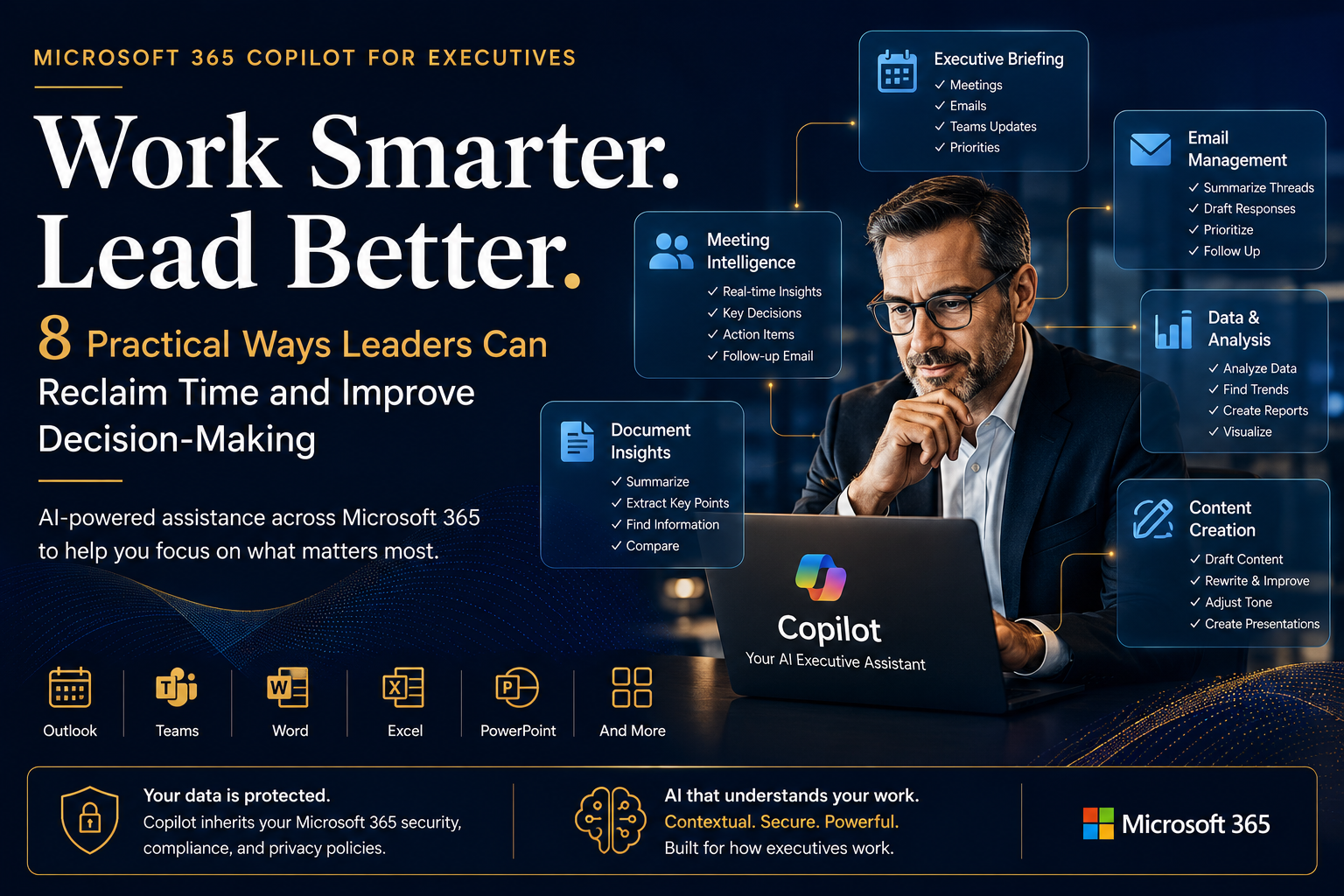
How modern executives are using Microsoft 365 Copilot to work smarter, reduce administrative overhead, and focus on strategic outcomes.
Every executive faces the same challenge: too much information and not enough time.
Between meetings, emails, Teams chats, presentations, documents, and stakeholder requests, leaders spend significant portions of their day gathering information instead of acting on it.
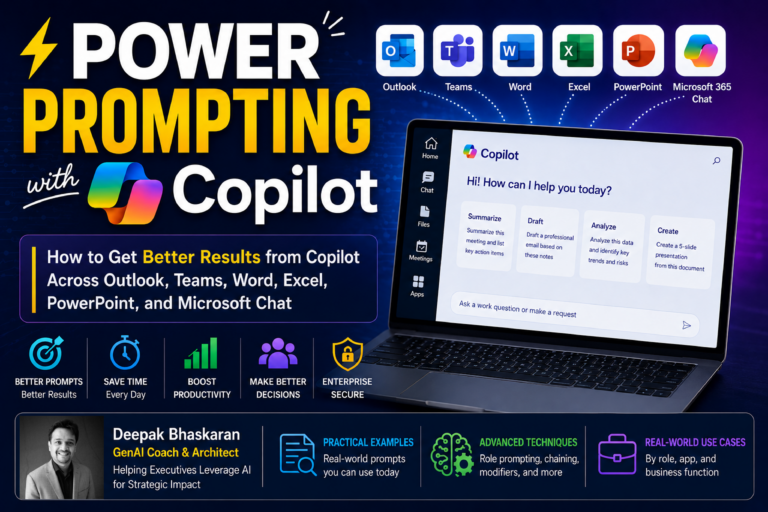
Microsoft 365 Copilot aims to change that by combining AI capabilities with organizational data available through Microsoft 365—including emails, meetings, documents, chats, calendars, and business content—to help leaders retrieve information, generate content, summarize discussions, and prepare for important interactions more efficiently.
In this article, we’ll explore eight practical executive use cases that demonstrate how Microsoft 365 Copilot can help leaders save time, improve productivity, and make more informed decisions. These use cases are derived from an executive training program developed to help business leaders adopt Copilot effectively.
What Is Microsoft 365 Copilot?
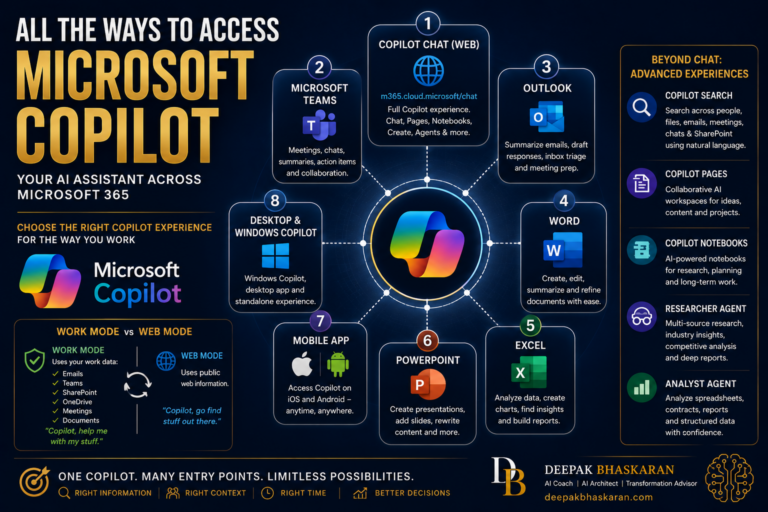
Microsoft 365 Copilot combines large language models with Microsoft Graph data and Microsoft 365 applications to provide AI-powered assistance directly within the tools employees already use every day. This includes Outlook, Teams, Word, PowerPoint, Excel, OneNote, and more.
Copilot leverages:
- Your prompts
- Large Language Models (LLMs)
- Microsoft Graph organizational data
- Microsoft 365 applications
- Internet content when applicable
A key differentiator is that Copilot can access organizational context through Microsoft Graph, allowing it to understand relationships between meetings, documents, emails, calendars, and conversations.
Microsoft also emphasizes that prompts, responses, and Microsoft Graph data are not used to train foundational models and that Copilot inherits existing Microsoft 365 security, compliance, and privacy controls.
Why Microsoft Graph Matters
Think of Microsoft Graph as the digital nervous system of your organization.
It connects information across:
- Outlook
- Teams
- SharePoint
- OneDrive
- Microsoft 365 applications
This enables Copilot to retrieve and synthesize information from multiple business systems without requiring executives to manually search for content.
For a leader preparing for a board meeting, customer review, or strategic initiative, that context can dramatically reduce time spent gathering information.
Use Case #1: Start Every Day with an Executive Briefing
One of the most powerful executive use cases is creating a personalized daily briefing.
Instead of reviewing:
- Today’s calendar
- Unread emails
- Teams conversations
- Industry news
…separately, executives can ask Copilot to consolidate everything into a single report. The executive training material provides a sample prompt that gathers meetings, summarizes chats and emails, identifies priorities, and even creates an industry news briefing.
Example Prompt
Act as my executive assistant and provide an overview of my day. Summarize today’s meetings, key Teams discussions, important emails, and recommend the top priorities I should focus on.
Business Value
- Reduced context switching
- Faster prioritization
- Improved executive focus
- Better awareness of organizational activity
Use Case #2: Stay Current on Strategic Initiatives
Executives often struggle to keep up with multiple programs and transformation efforts simultaneously.
Copilot can aggregate information from the past several weeks and provide a consolidated update on a project, initiative, client account, or strategic topic.
Example Prompts
- Summarize all activity related to our AI transformation initiative over the past 30 days.
- What’s new regarding Project Phoenix?
- Create a recap email of recent developments for my leadership team.
Business Value
- Faster status reviews
- Better executive oversight
- Reduced dependency on manual status reports
Use Case #3: Prepare for Important Meetings in Minutes
Meeting preparation is one of the highest-value executive applications of Copilot.
Instead of manually researching previous discussions, emails, documents, and actions, leaders can ask Copilot to gather relevant context before a meeting.
Example Prompt
Help me prepare for my upcoming meeting with [Executive Name].
Copilot can assist with:
- Previous meeting summaries
- Follow-up actions
- Relevant emails
- Talking points
- Supporting documents
Business Value
- More productive meetings
- Better stakeholder engagement
- Reduced preparation effort
Use Case #4: Extract Insights from Teams Meetings
Executives frequently join meetings late or need to catch up on discussions they missed.
With transcription enabled, Copilot can summarize discussions, identify decisions, track action items, and answer questions during or after a meeting.
Example Prompts
- Summarize the meeting so far.
- What decisions have been made?
- What questions remain unresolved?
- What are the next steps?
Business Value
- Greater meeting effectiveness
- Reduced information loss
- Improved accountability
Use Case #5: Follow Meetings Without Attending
One less-known capability highlighted in executive training is the ability to “Follow” meetings instead of attending them.
When following a meeting:
- The organizer is notified.
- Your calendar remains available.
- You receive access to meeting transcripts and recaps.
- You can review insights afterward.
For busy executives, this can dramatically reduce meeting overload while still maintaining visibility into important discussions.
Use Case #6: Generate Executive Communications Faster
Creating speeches, stakeholder communications, board updates, and summaries often requires significant effort.
Copilot can draft content based on uploaded files or organizational content. The executive training introduces a scenario where Copilot creates a speech based on financial statements and then updates the content with additional business context.
Example Applications
- Quarterly business reviews
- Board updates
- Stakeholder communications
- Leadership announcements
- Investor presentations
Business Value
- Faster content creation
- Improved consistency
- Reduced administrative effort
Use Case #7: Summarize Documents and Emails Instantly
Leaders are constantly inundated with lengthy documents and email chains.
Copilot can summarize:
- Strategic plans
- Proposals
- Research reports
- Contracts
- Long Outlook threads
The training materials demonstrate document interrogation, FAQ generation, topic extraction, and Outlook email summarization capabilities.
Example Questions
- What are the key themes in this document?
- Generate an executive summary.
- What risks are identified?
- Create an FAQ from this content.
Business Value
- Faster information consumption
- Improved comprehension
- Better decision-making
Use Case #8: Explain Complex Diagrams and Presentations
Many executives are presented with technical diagrams, architectural designs, financial models, and process maps.
Copilot can help translate complex visuals into executive-friendly explanations. The executive training provides a prompt that asks Copilot to act as a subject matter expert and create a conversational explanation for senior stakeholders.
Example Prompt
Explain this architecture diagram in executive-friendly language and provide likely questions stakeholders may ask.
Business Value
- Better communication
- Faster understanding
- Improved executive confidence
The Secret to Success: Better Prompting
One recurring theme throughout the executive training is the importance of prompt engineering. The quality of output depends heavily on the quality of instructions provided to Copilot.
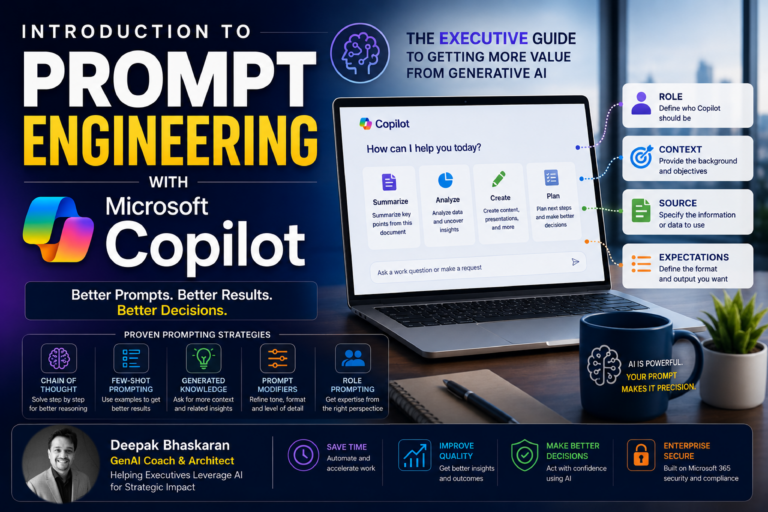
The training recommends using the GCSE Prompt Framework:
G — Goal
What do you want Copilot to accomplish?
C — Context
What’s the business situation?
S — Source
What information should Copilot use?
E — Expectations
What format and outcome do you expect?
This framework consistently produces more relevant and actionable responses.
Executive Best Practices
The training concludes with several practical recommendations for leaders using Copilot:
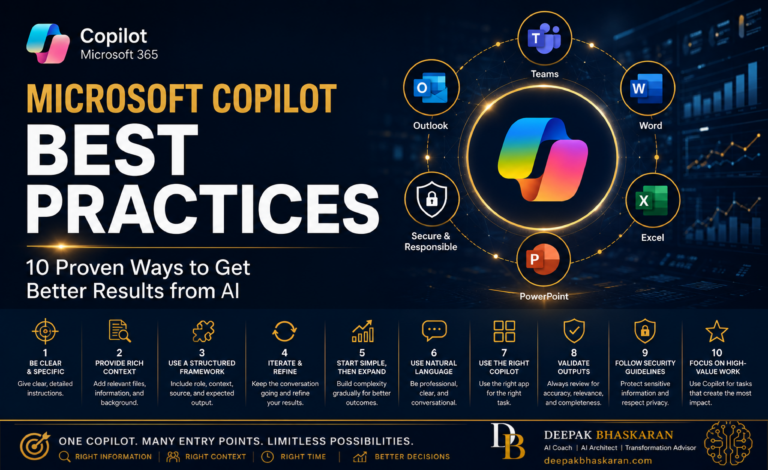
✅ Provide clear context
✅ Use natural conversational language
✅ Break complex requests into smaller steps
✅ Experiment with different prompts
✅ Validate AI-generated outputs
✅ Keep a human in the loop
✅ Treat Copilot like a trusted assistant—not an infallible expert
Final Thoughts
Microsoft 365 Copilot is not simply another chatbot. When combined with Microsoft Graph and organizational context, it becomes a productivity platform capable of helping executives:
- Reclaim time
- Reduce administrative burden
- Accelerate communication
- Prepare better for meetings
- Improve awareness across the organization
- Focus more on leadership and strategy
The most successful leaders won’t be those who use AI occasionally. They’ll be the ones who systematically incorporate AI into their daily workflows and decision-making processes.
The question is no longer whether executives should use AI. The question is: Which leadership activities will you delegate to your AI assistant first?