Microsoft Copilot Best Practices: 10 Proven Ways to Get Better Results from AI

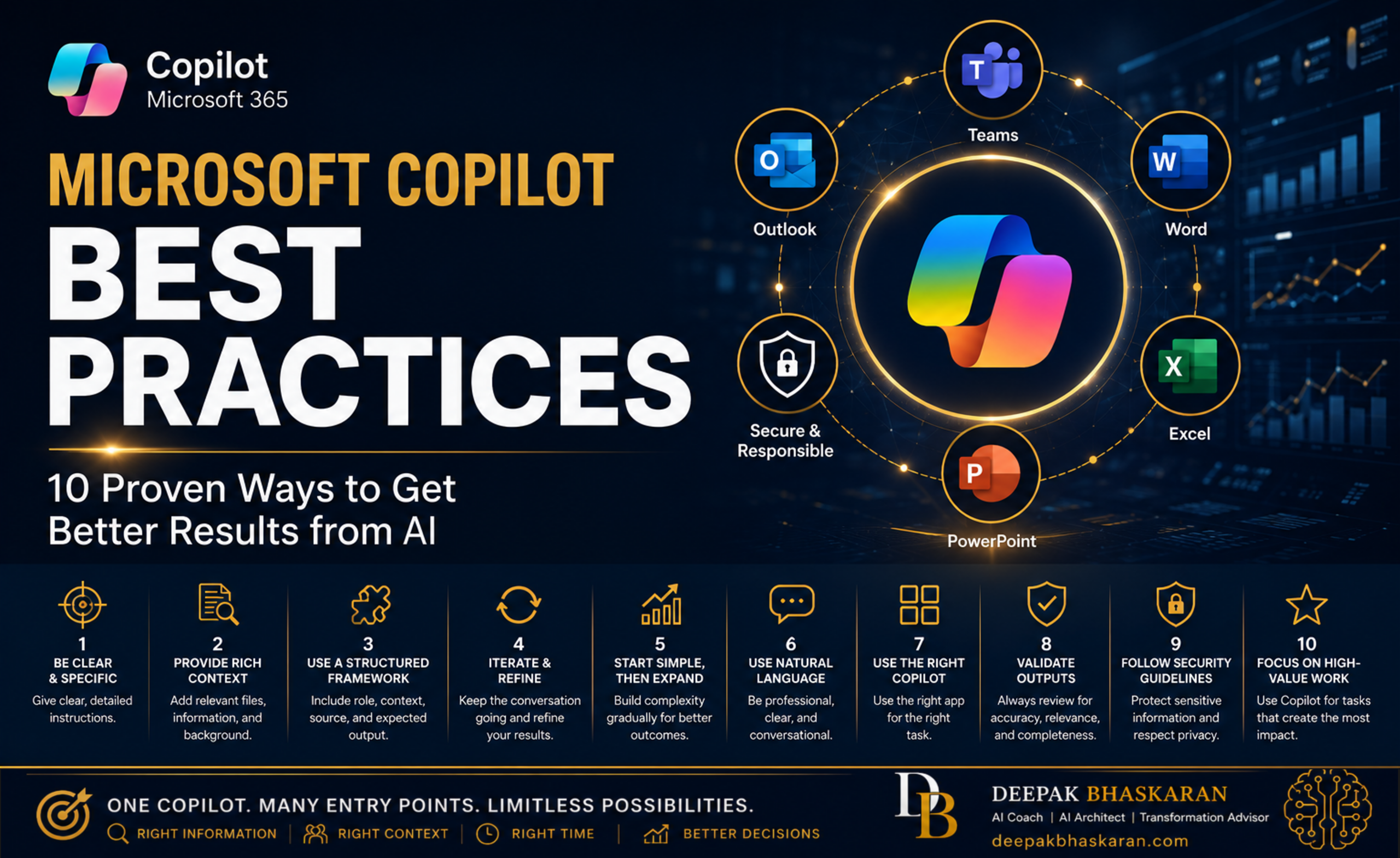
How Executives and Knowledge Workers Can Unlock More Value from Microsoft 365 Copilot
Microsoft 365 Copilot is quickly becoming one of the most powerful productivity tools available to modern organizations.
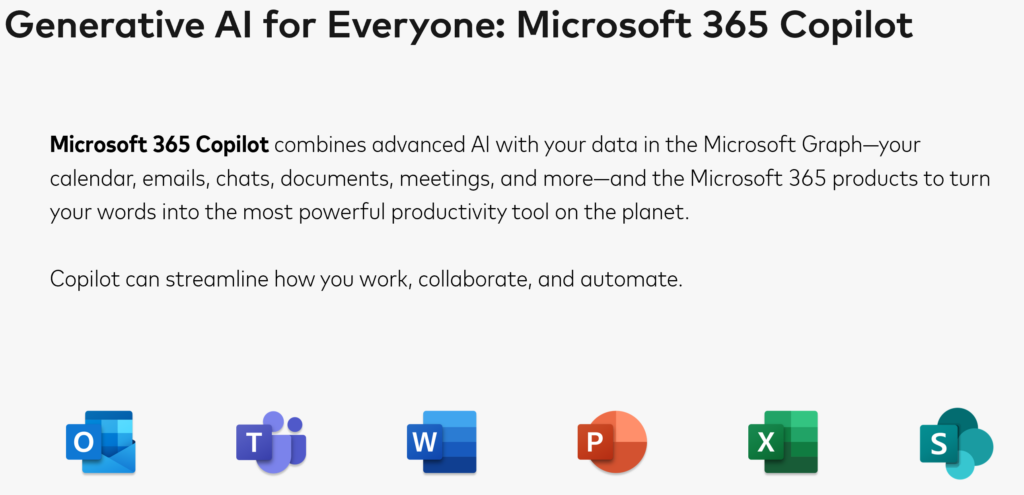
Whether you’re using Copilot in:
- Teams
- Outlook
- Word
- Excel
- PowerPoint
- Microsoft 365 Chat
the technology can dramatically reduce administrative work, accelerate content creation, improve decision-making, and help you uncover insights hidden across your Microsoft 365 ecosystem.
But here’s the reality:
Most people are only using a fraction of Copilot’s potential.
The difference between average users and power users rarely comes down to technology.
It comes down to how they engage with Copilot.
After reviewing Microsoft training materials, Copilot onboarding programs, prompt engineering guidance, and enterprise adoption frameworks, a clear pattern emerges:
The most successful users follow a set of consistent best practices.
This guide summarizes the most important lessons every executive, manager, consultant, and knowledge worker should know.
Why Copilot Success Isn’t About Technology
Many organizations assume that once Copilot licenses are deployed, productivity improvements will happen automatically.
Unfortunately, that isn’t how AI works.
Copilot is not autopilot.
It is a collaborator.
Like any effective collaboration, results improve when:
- Instructions are clear
- Context is available
- Expectations are defined
- Feedback is provided
The better your interaction with Copilot, the better your outcomes.
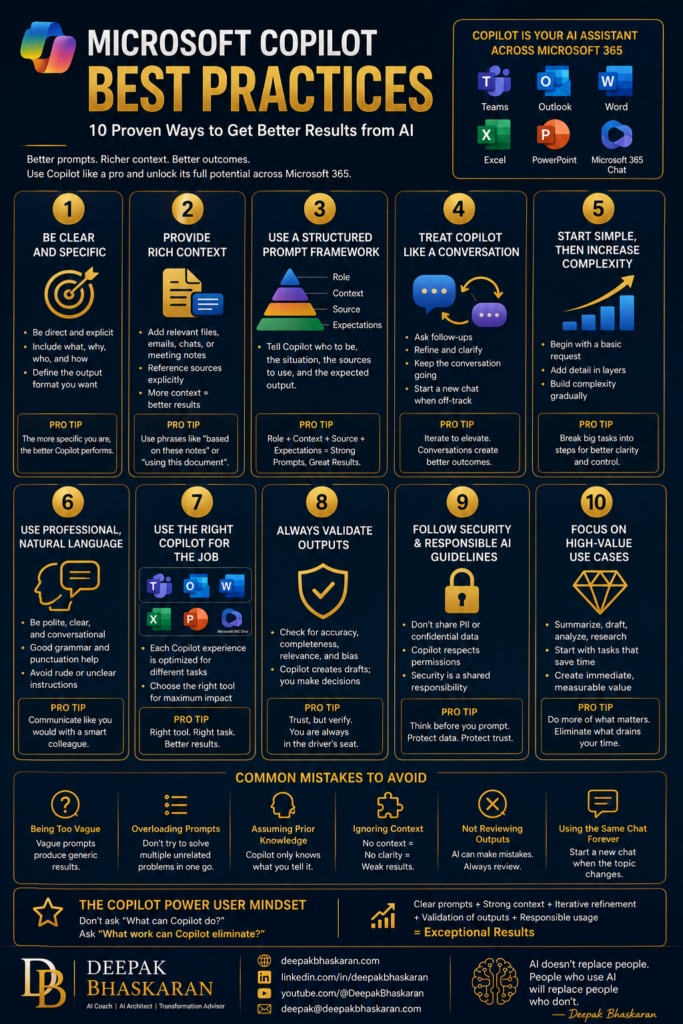
Best Practice #1: Be Clear and Specific
One of the biggest mistakes new users make is being vague.
Less Effective
Summarize this.
Better
Summarize this document into five executive-level bullet points. Highlight risks, recommendations, and actions required.
The more specific your instructions, the better Copilot can help.
Good prompts typically include:
- What you need
- Why you need it
- Who the audience is
- What format you want
Think of Copilot like a new team member.
The more precise your instructions, the better the result.
Best Practice #2: Provide Rich Context
Copilot performs best when it understands the situation.
Context may include:
- Documents
- Emails
- Meeting notes
- Presentations
- Data tables
- Background information
Example
Instead of:
Create a project update.
Try:
Create a project update using the attached meeting notes, project plan, and recent stakeholder emails.
The more context Copilot has, the more relevant the output becomes.
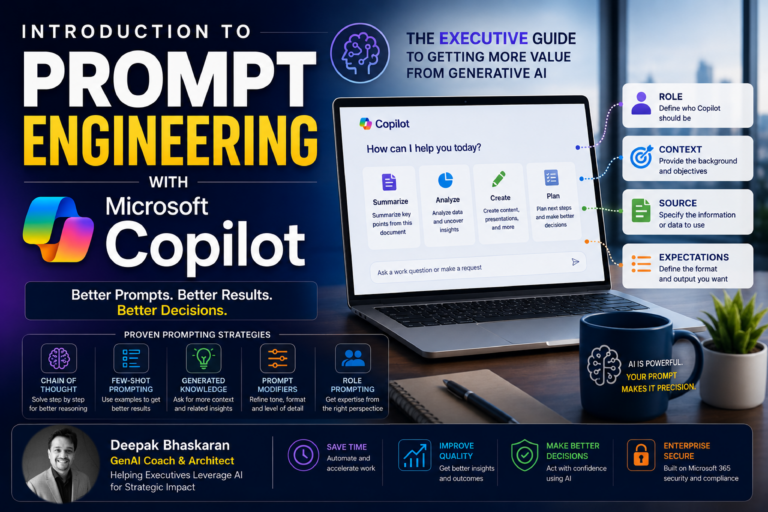
Best Practice #3: Use a Structured Prompt Framework
One of the most effective prompting approaches is:
Role
Who should Copilot act as?
Context
What situation is involved?
Source
What information should it use?
Expectations
What should the output look like?
Example
Act as an executive communications advisor. Use the attached project update and meeting notes to create a one-page executive summary for senior leadership. Highlight risks, key decisions, and next steps in bullet format.
Structured prompts consistently outperform generic requests.
Best Practice #4: Treat Copilot Like a Conversation
Many users assume they must get everything perfect in a single prompt.
You don’t.
The best Copilot users:
- Ask follow-up questions
- Refine outputs
- Clarify expectations
- Continue the conversation
Example
Initial Prompt:
Summarize this document.
Follow-up:
Focus more on financial risks.
Follow-up:
Convert the summary into a table.
Follow-up:
Rewrite it for an executive audience.
Prompting is a conversation, not a transaction.
Best Practice #5: Start Simple, Then Increase Complexity
A common mistake is trying to solve a complex problem in one massive prompt.
Instead:
Step 1
Summarize this report.
Step 2
Highlight risks.
Step 3
Create recommendations.
Step 4
Build a presentation outline.
Breaking tasks into stages often produces better outcomes.
Best Practice #6: Use Professional, Natural Language
Many users overcomplicate prompts.
You do not need special AI syntax.
Simply communicate the way you would with a capable colleague.
Example
Please summarize this meeting and identify action items, owners, and deadlines.
Natural language works extremely well.
In fact, internal training guidance consistently encourages users to:
- Be polite
- Be clear
- Use conversational language
The goal is communication, not coding.
Best Practice #7: Use the Right Copilot for the Job
Not all Copilot experiences are identical.
Microsoft 365 Chat
Best for:
- Cross-functional research
- Executive briefings
- Finding information
Teams
Best for:
- Meeting summaries
- Action items
- Chat analysis
Outlook
Best for:
- Email triage
- Drafting responses
- Catching up after time away
Word
Best for:
- Content creation
- Summaries
- Reports
Excel
Best for:
- Analysis
- Trends
- Forecasting
PowerPoint
Best for:
- Presentation creation
- Executive briefings
- Speaker notes
Choosing the right Copilot surface significantly improves productivity.
Best Practice #8: Always Validate Outputs
One of the most important lessons in every AI training program:
Trust, but verify.
Copilot is powerful.
But it is not infallible.
Always review:
Accuracy
Are the facts correct?
Completeness
Did it miss anything important?
Relevance
Did it answer the actual question?
Bias
Could the output be interpreted incorrectly?
Copilot creates drafts.
Humans remain responsible for decisions.
Best Practice #9: Follow Security and Responsible AI Guidelines
Copilot is designed with enterprise security in mind.
However, users must still exercise judgment.
Avoid Sharing
- Personal Identifiable Information (PII)
- Confidential information
- Sensitive customer data
- Restricted content
Remember
Copilot respects permissions.
It only has access to information you are authorized to access.
Security remains a shared responsibility between technology and users.
Best Practice #10: Focus on High-Value Use Cases
The fastest way to build Copilot adoption is to start with work that creates immediate value.
Examples include:
Summarization
- Meetings
- Emails
- Documents
Drafting
- Responses
- Reports
- Presentations
Analysis
- Excel data
- Financial information
- Operational metrics
Research
- Project updates
- Customer information
- Industry trends
Start with tasks you dislike doing manually.
Those are often the best Copilot opportunities.
Common Mistakes to Avoid
Being Too Vague
Help me with this.
Overloading Prompts
Trying to solve multiple unrelated problems in one request.
Assuming Prior Knowledge
Copilot only knows what you tell it.
Ignoring Context
Generic prompts create generic responses.
Not Reviewing Outputs
AI-generated content should always be validated.
Using the Same Chat Forever
When changing topics significantly:
Start a new conversation.
This helps Copilot stay focused.
The Copilot Power User Mindset
The most successful users think differently.
They don’t ask:
What can Copilot do?
Instead they ask:
What work can Copilot eliminate?
That shift changes everything.
Rather than viewing Copilot as another tool, they treat it as:
- A research assistant
- A meeting assistant
- A writing assistant
- A data analyst
- A presentation designer
The result is significant productivity improvement across the workday.
Recommended Resources
To continue improving your Copilot skills, explore:
Practice with the Copilot Prompt Gallery