🚀Understanding Microsoft Copilot Licenses : Free, Pro, Chat, Enterprise, and Beyond

Microsoft Copilot is rapidly becoming the AI layer across the modern enterprise workplace. One of the most common questions I receive from executives is:
“Which version of Copilot should I be using?”
From free access to enterprise-grade AI embedded across workflows, Copilot operates differently based on account type, subscription, and organizational context.
This guide breaks down Copilot options for Individuals, Business Users, and Enterprises, helping executives make informed decisions on adoption, licensing, and value realization.
🧠 What Is Microsoft Copilot?
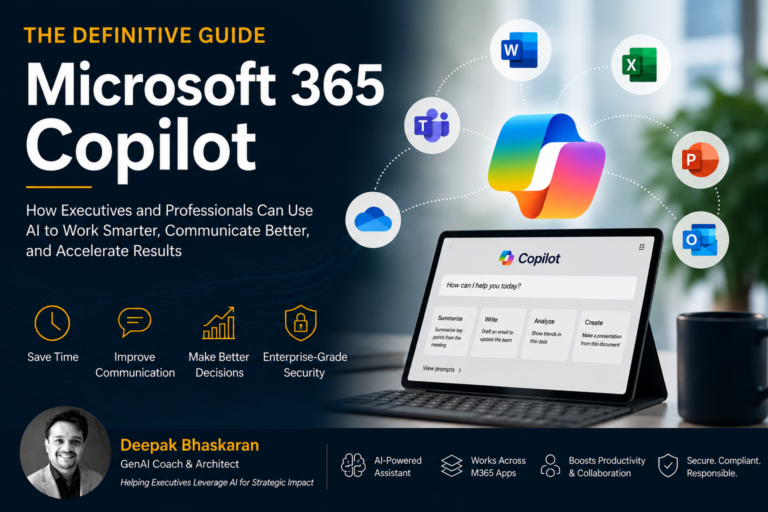
Microsoft Copilot is not a single product—it is a portfolio of AI-powered capabilities embedded across:
- Web-based chat experiences
- Microsoft 365 applications (Word, Excel, PowerPoint, Outlook, Teams)
- Business workflows and enterprise data systems
At its core, Copilot acts as:
- A chat-based assistant
- A productivity co-pilot inside tools
- A knowledge engine powered by organizational data
👉 The key insight for leaders:
Copilot’s value is not universal—it is unlocked based on how it is accessed and licensed
🧭 Understanding Copilot Account Options
There are three primary Copilot usage models:
- Individual (Free / Pro)
- Business (Microsoft 365 Chat)
- Enterprise (Microsoft 365 Copilot)
Each offers progressively deeper capabilities.
👤 Copilot for Individuals (Free & Pro)
Free Copilot (Entry-Level AI Access)
Individuals can access Copilot via:
- Copilot Web
- Mobile apps
- Windows Copilot
Key Capabilities:
- AI chat assistant
- Image upload and analysis
- Conversation history (when signed in)
- Limited voice interaction
Strategic Perspective:
Free Copilot is ideal for:
- Exploration and experimentation
- Personal productivity
- Early AI adoption
However, it is not integrated into business workflows or enterprise systems.
Copilot Pro (Premium Individual Experience)
Copilot Pro introduces a significant upgrade for professionals.
Key Capabilities:
- Faster responses using newer AI models
- Access to Copilot within:
- Word (drafting & summarization)
- Excel (analysis & insights)
- PowerPoint (presentation creation)
- Outlook (email drafting)
Executive Insight:
Copilot Pro represents the transition from AI experimentation to real productivity gains.
It is best suited for independent professionals, consultants, and leaders testing AI workflows before enterprise rollout.
🏢 Copilot for Business (Microsoft 365 Chat)
When using a work or school account, Copilot operates differently.
Access Point:
Key Capabilities:
- AI chat assistant integrated with work account
- Enterprise-grade data protection (shield model)
- Safe use of organizational data
Key Characteristics:
- No chat history persistence (privacy protection)
- Prompts are not used to train public models
- Secure handling of enterprise content
Executive Insight:
This model introduces:
✅ Trusted AI usage within the enterprise
✅ Baseline productivity without additional licensing
However:
❌ No deep integration into Office applications
❌ No cross-data reasoning across organizational systems
🚀 Enterprise Copilot (Microsoft 365 Copilot)
This is where Copilot becomes transformative.
What Is Microsoft 365 Copilot?
A licensed enterprise-grade AI solution that integrates across:
- Word, Excel, PowerPoint, Outlook
- Teams (meetings, chats, collaboration)
- OneDrive and SharePoint
🔑 Core Capabilities for CoPilot PRO
1. Business Chat (Organizational Intelligence Layer)
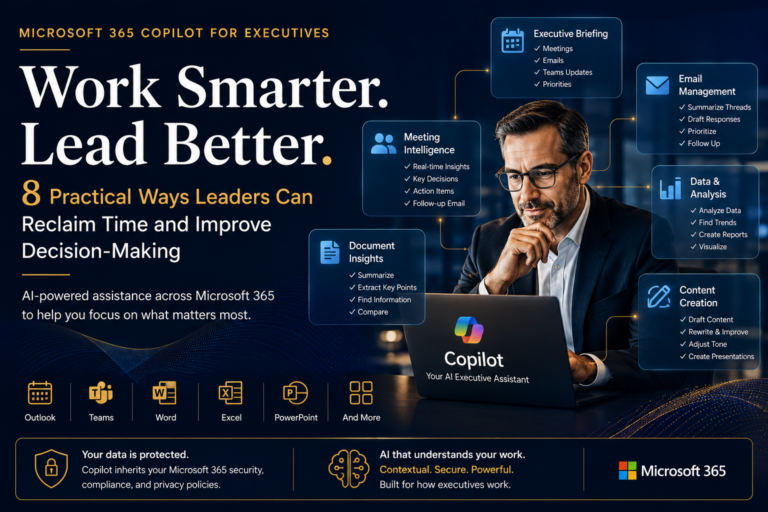
Executives can ask:
- “What decisions were made in last week’s leadership meeting?”
- “Summarize documents related to Project X”
- “Which executives are mentioned in this report?”
Copilot pulls from:
- Emails
- Meetings
- Documents
- Calendar data
👉 This creates a unified enterprise intelligence experience
2. In-App Copilot Across Workflows
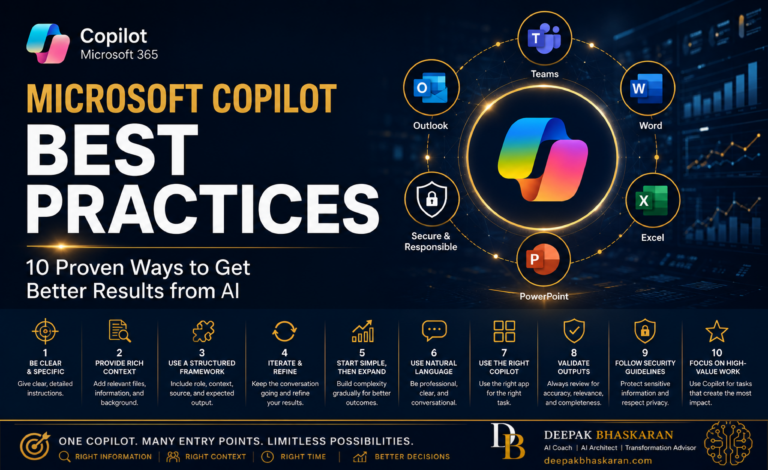
Copilot becomes embedded directly into daily work:
| Tool | Executive Use Case |
|---|---|
| Word | Draft reports, summarize documents |
| Excel | Analyze trends, generate insights |
| PowerPoint | Create executive presentations |
| Outlook | Draft strategic communication |
| Teams | Summarize meetings, track decisions |
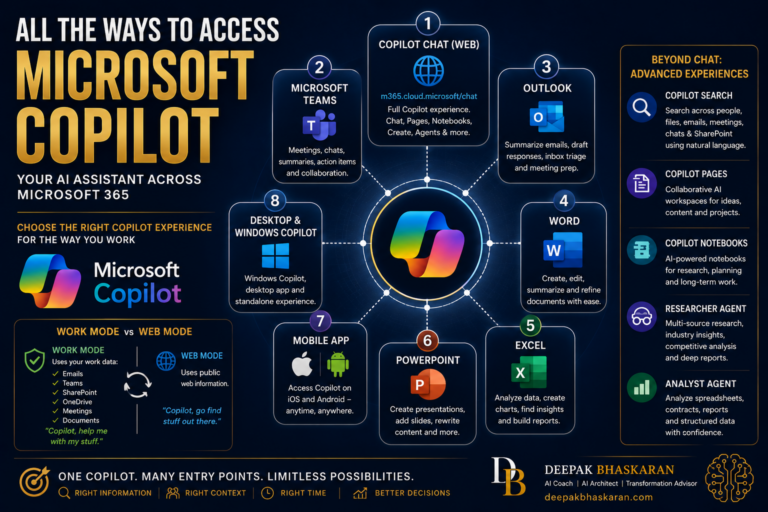
3. Work vs Web Mode
Enterprise Copilot introduces a critical capability:
- Web Mode → Uses public internet
- Work Mode → Uses internal enterprise data
👉 This enables secure, contextual decision making
🧠 Executive-Level Insight
Microsoft 365 Copilot is not just a productivity tool—it is an operating model shift.
It enables:
- Faster decision cycles
- Reduced context switching
- AI-assisted knowledge retrieval
- Real-time organizational awareness
⚙️ The Copilot Capability Stack (Executive View)
| Level | Capability | Value |
|---|---|---|
| Free | Chat AI | Exploration |
| Pro | App Integration (Individual) | Personal productivity |
| Business | Secure Chat (Enterprise Data Protection) | Safe AI usage |
| Enterprise | Full M365 Copilot | Transformational productivity |
💡 Additional Copilot Products (Beyond Core M365)
Executives should also be aware of the broader Copilot ecosystem:
- Copilot Studio → Build custom AI agents
- Copilot for Sales → CRM + sales productivity
- Copilot for Service → Customer support automation
👉 These extend Copilot into role-based enterprise transformation
🔐 Security & Governance Considerations
Enterprise deployments include:
- Permission-based access to data
- No external training on enterprise prompts
- Compliance with organizational policies
- Microsoft Entra ID (identity management)
👉 Trust and governance are built into the enterprise Copilot model.
🚀 Final Takeaways for Executives
- Copilot is a platform, not a feature
- Value increases significantly from:
- Free → Pro → Enterprise
- Enterprise Copilot unlocks:
- Cross-organizational intelligence
- Workflow transformation
- Decision acceleration
🧭 Closing Thought
The question is no longer:
“Should we use AI?”
But rather:
“Which Copilot model aligns with our business strategy—and how do we scale it?”